 Galleroo
Clear your camera roll, one month at a time.
Swipe right to keep a photo, left to toss it into Roo's pouch. Empty the pouch and the space is yours again.
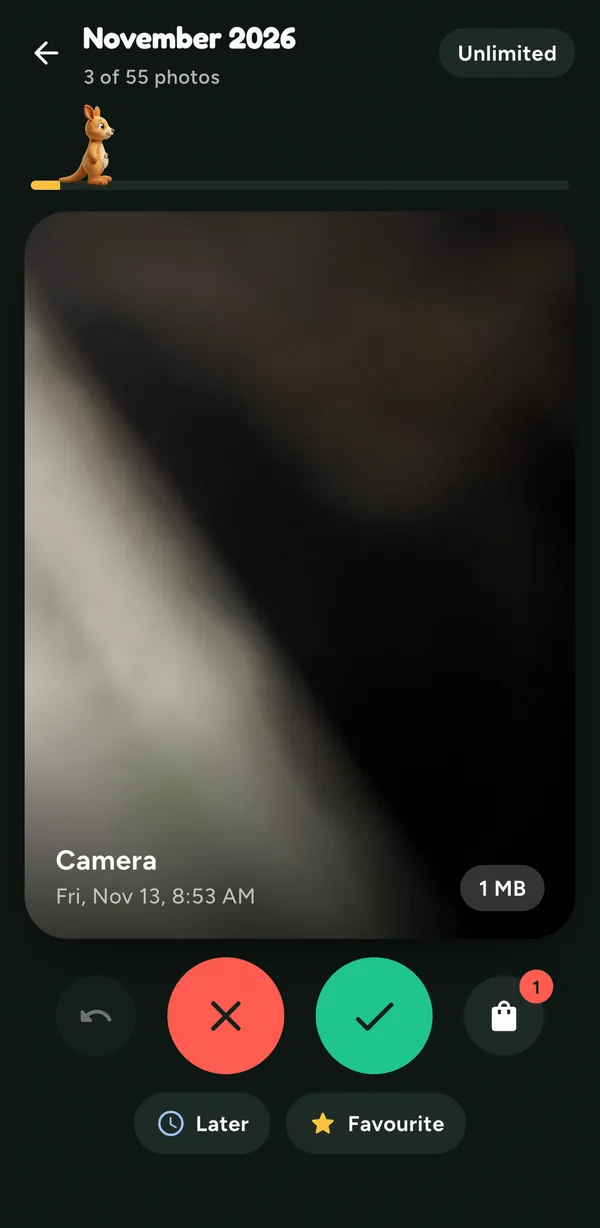

Thousands of photos, and no idea where to start?
Galleroo shows you one month at a time, so a messy library turns into a few minutes of swiping.
-
Swipe right to keep
The photo stays where it is. Nothing else changes.
-
Swipe left to toss
It goes into Roo's pouch, not the bin. Change your mind and take it back out.
-
Shake to undo
Swiped the wrong way? Shake your phone or tap undo.
-
Albums, videos and On This Day
Clean an album, play videos on the card, or look back at this day in past years.
-
Empty the pouch to free space
Only then are photos deleted. Your phone asks you to confirm first.
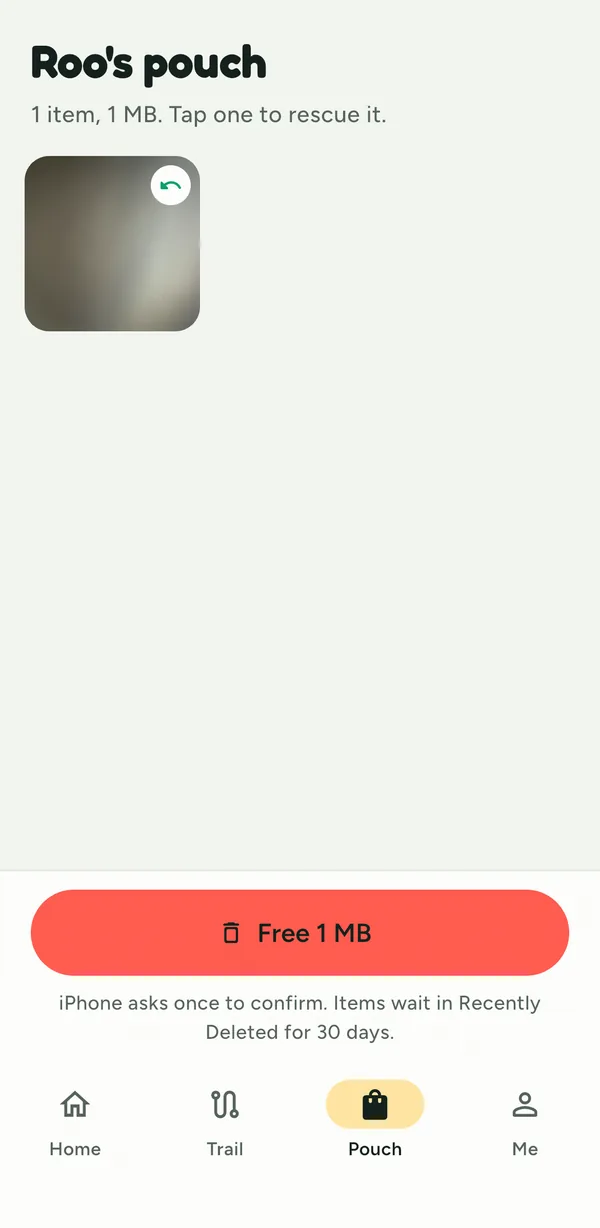
Your photos stay on your phone.
Galleroo sorts your library right on the device. There is nothing to upload and nobody else to trust.
- No account, no sign-in
- No server: photos are never uploaded
- Nothing is deleted until you empty the pouch
- Deleted items wait 30 days in Recently Deleted
A closer look.
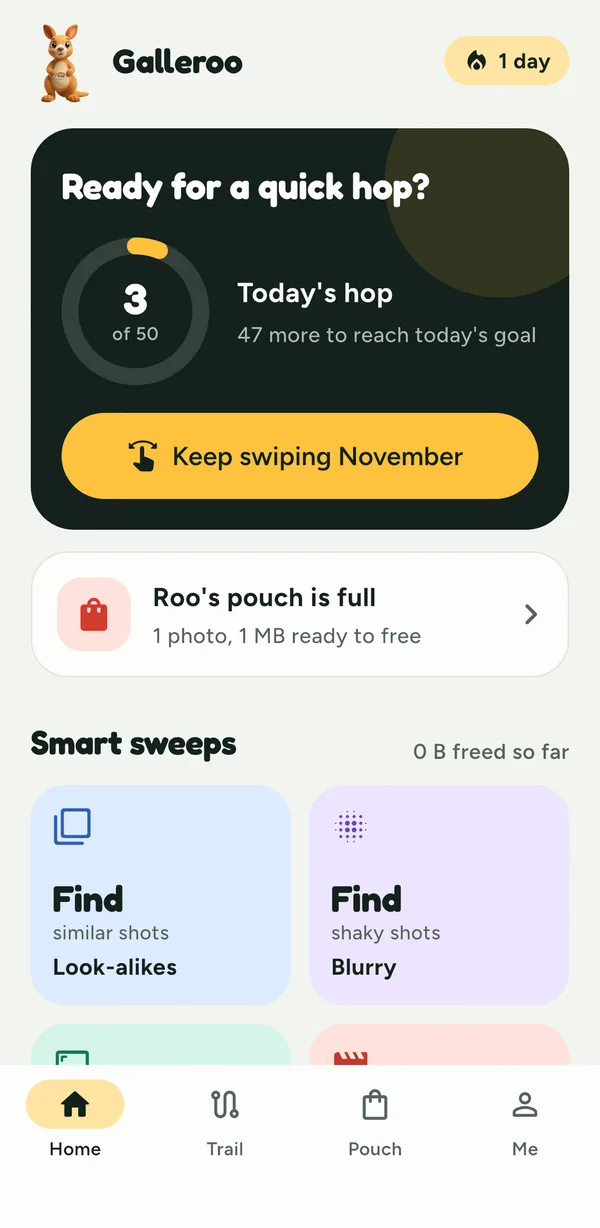
Today's hop
A small daily goal, your pouch and the smart sweeps, all on one screen.
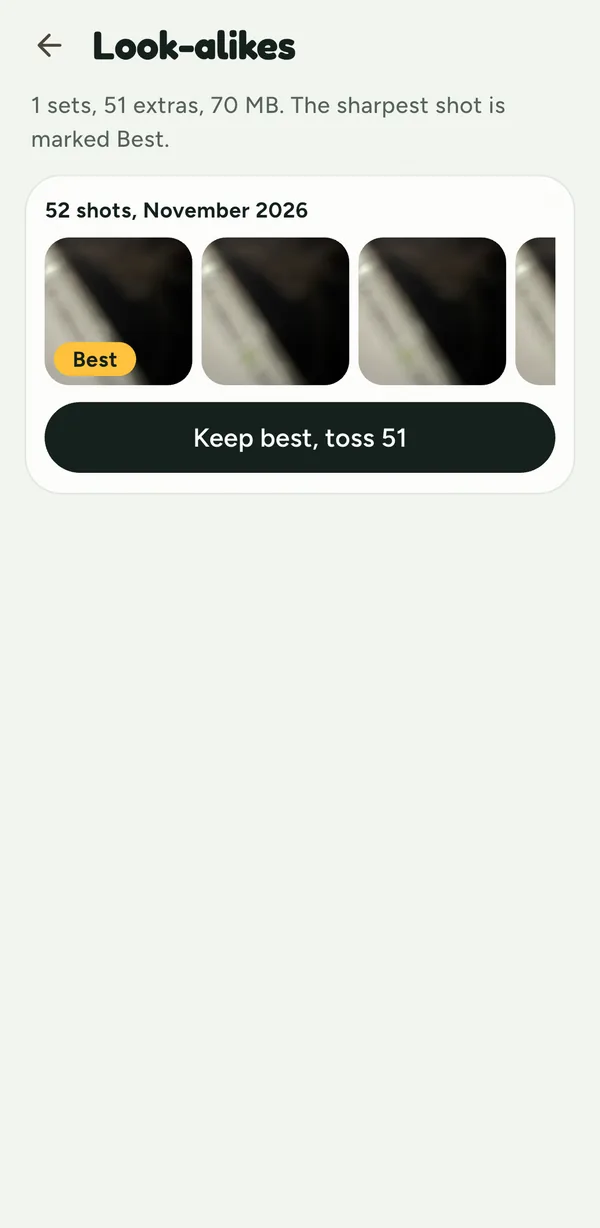
Look-alikes
Near copies side by side, with the sharpest one marked Best. Keep it, toss the rest.
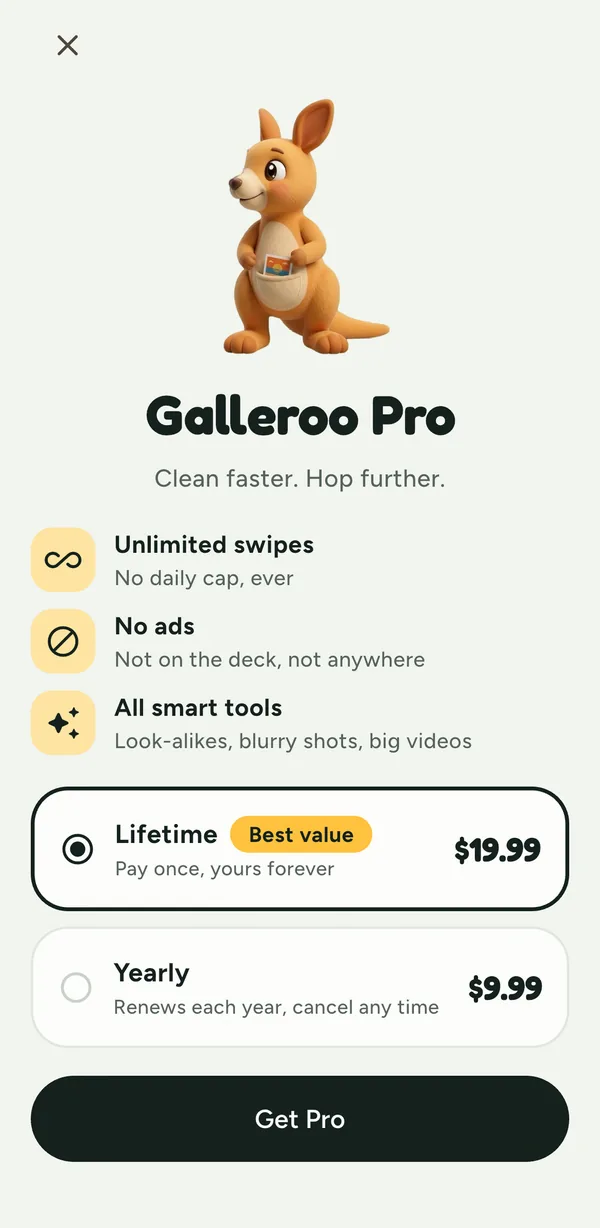
Galleroo Pro
Unlimited swipes, no ads, and sweeps for look-alikes, blurry shots and big videos.
Free to use. Pro if you want more.
Free
- 50 swipes a day
- 25 more each time you watch a short ad
- Months, albums, On This Day and undo
Pro
- No ads and unlimited swipes
- Look-alikes, blurry shots and big videos
- Lifetime or yearly, your choice